





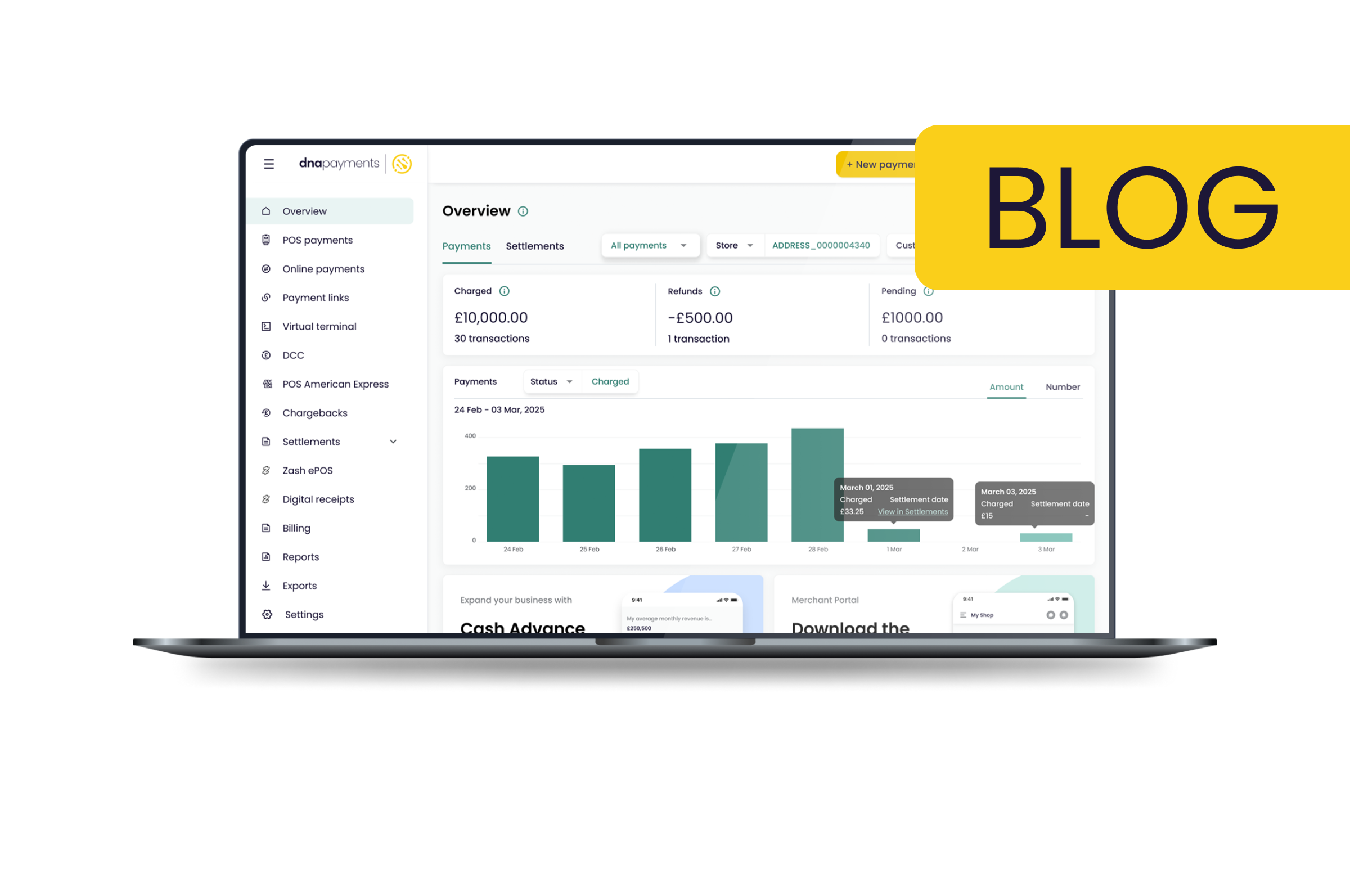


To achieve that, we’ve rolled out a series of updates to the Merchant Portal homepage to make it easier for you to understand your overall payments setup, as well as give you greater insight into the details of your business’s performance. Let’s dive into the changes:
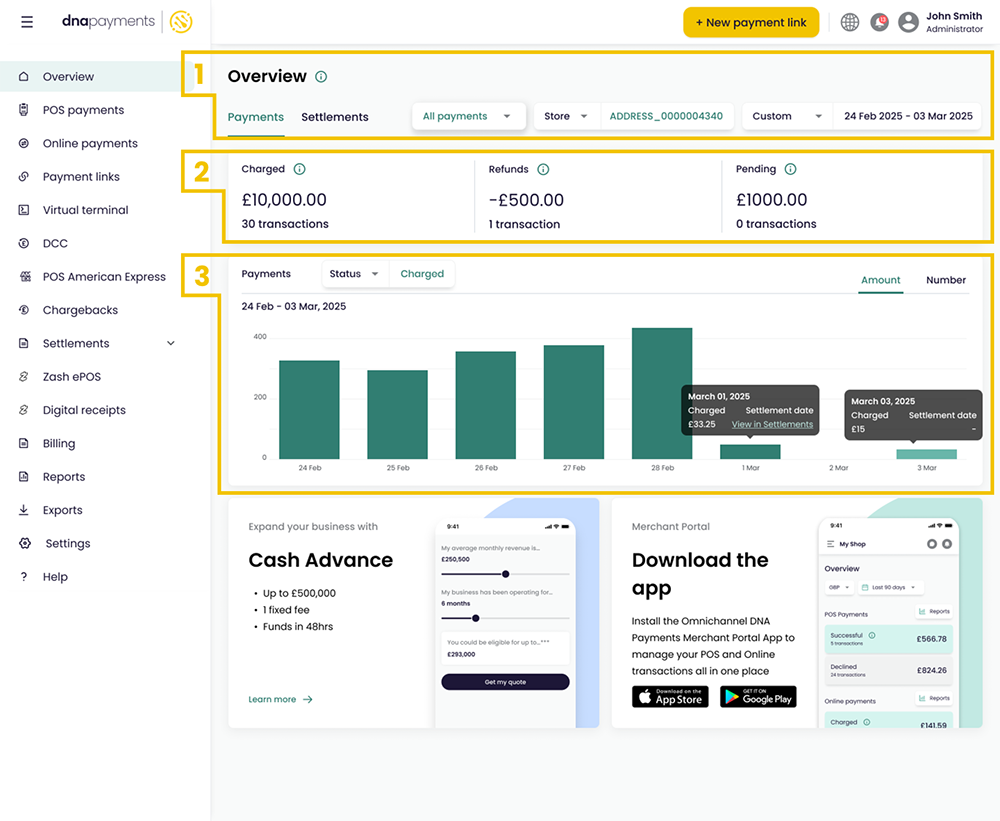
1) New menu interface
Veteran Merchant Portal Users will know that, with the old UI, we separated out POS and online payments into separate views. Now we’ve combined both into a single view, with the option to then drill down into either POS or online payments using the first drop-down box.
We’ve also created the option to swap between the Payments and Settlements views. This allows you to easily switch between a view of your gross payments on the one hand, and then to click into the settlements view to see how much is being settled to your bank account each day, taking into account any fees, adjustments, and refunds, as well as your settlement frequency. If you’re on T+2 settlement, for example, a sale you make on Monday will appear in the Monday view on the Payments view. Then, when it reaches your bank account on Wednesday, it‘ll appear on the Settlements view accordingly.
Finally, we’ve retained the ability to filter all results by Store (if you’re managing multiple premises with us on the same Portal), by currency, or by date.
2) Payments snapshot
Here we’ve revamped the key numbers that give you an overview of your payments performance for a given period of time. Eagle-eyed Merchant Portal users will recognise the difference – in our previous interface, we only showed a Successful and a Declined value. We wanted to make it clearer in this section what each value refers to:
-
Charged: Transactions where the cardholder has been charged, but the payment is still being processed or confirmed for settlement.
-
Refunds: All refunded and credited transactions are shown here as a single value.
-
Pending: Transactions that are awaiting authorisation or have been pre-authorised. This is especially relevant for businesses like hotels that pre-authorise payment for a guest’s stay at check-in and collect the payment upon checkout.
3) Payments Graph
On the face of it, this graph hasn’t changed a huge amount, but like everything else, we’ve added some key functionality to make it more useful.
First up, you can now choose from the different payment types covered in the previous section, such as Charged and Refunds. We’ve also expanded the tooltip that shows when hovering or clicking on a data point so that you can easily switch views to see when that payment will settle.
We’re quite excited about these changes and hope they will make it easier than ever to see all your payments and their statuses, all in one place. If you have any questions or feedback on this new look, please reach out to our team.