





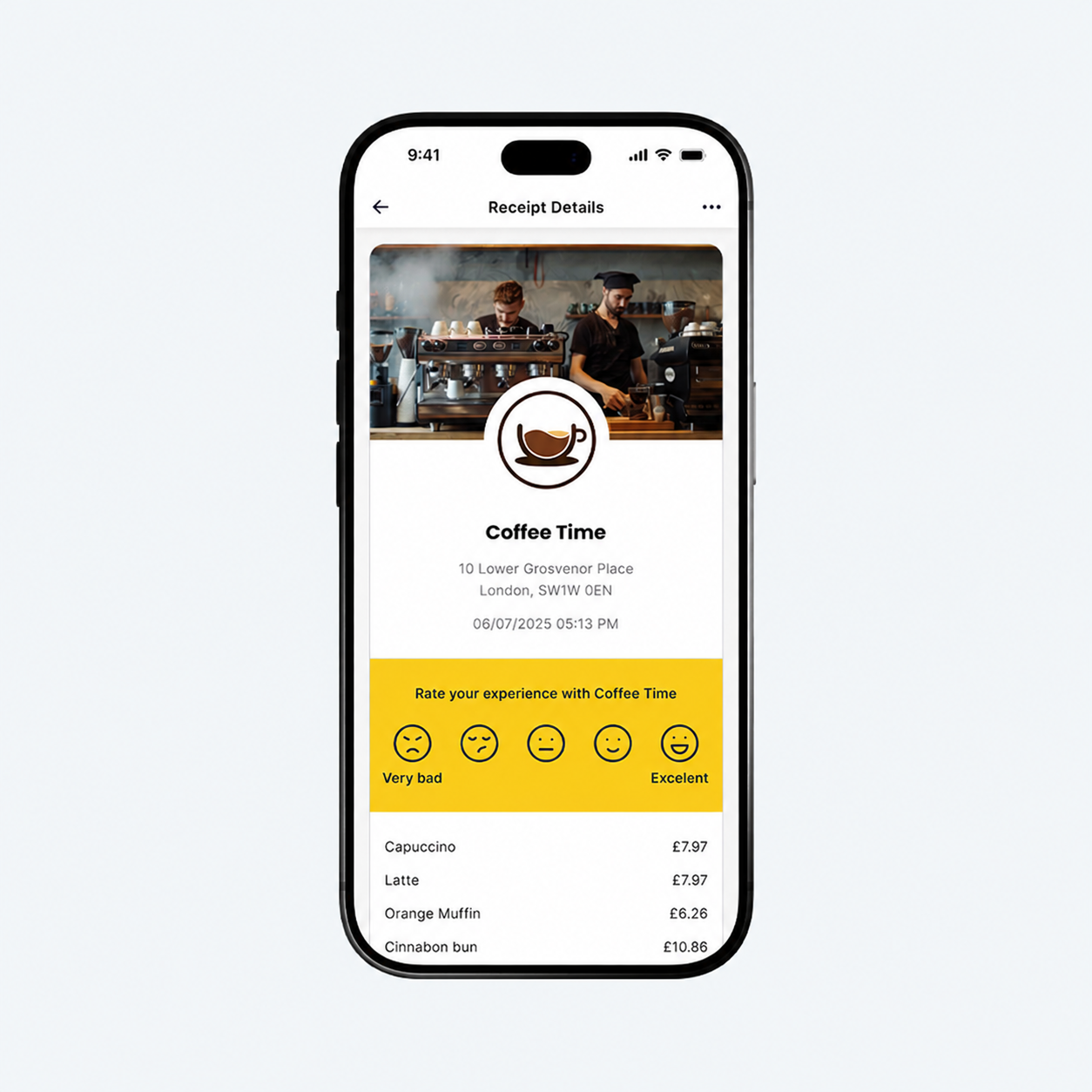
Get access to the DNA Engage platform, in partnership with Taployo. Create custom digital receipts to host marketing campaigns, grow your social channels, and gain business insights & analytics!





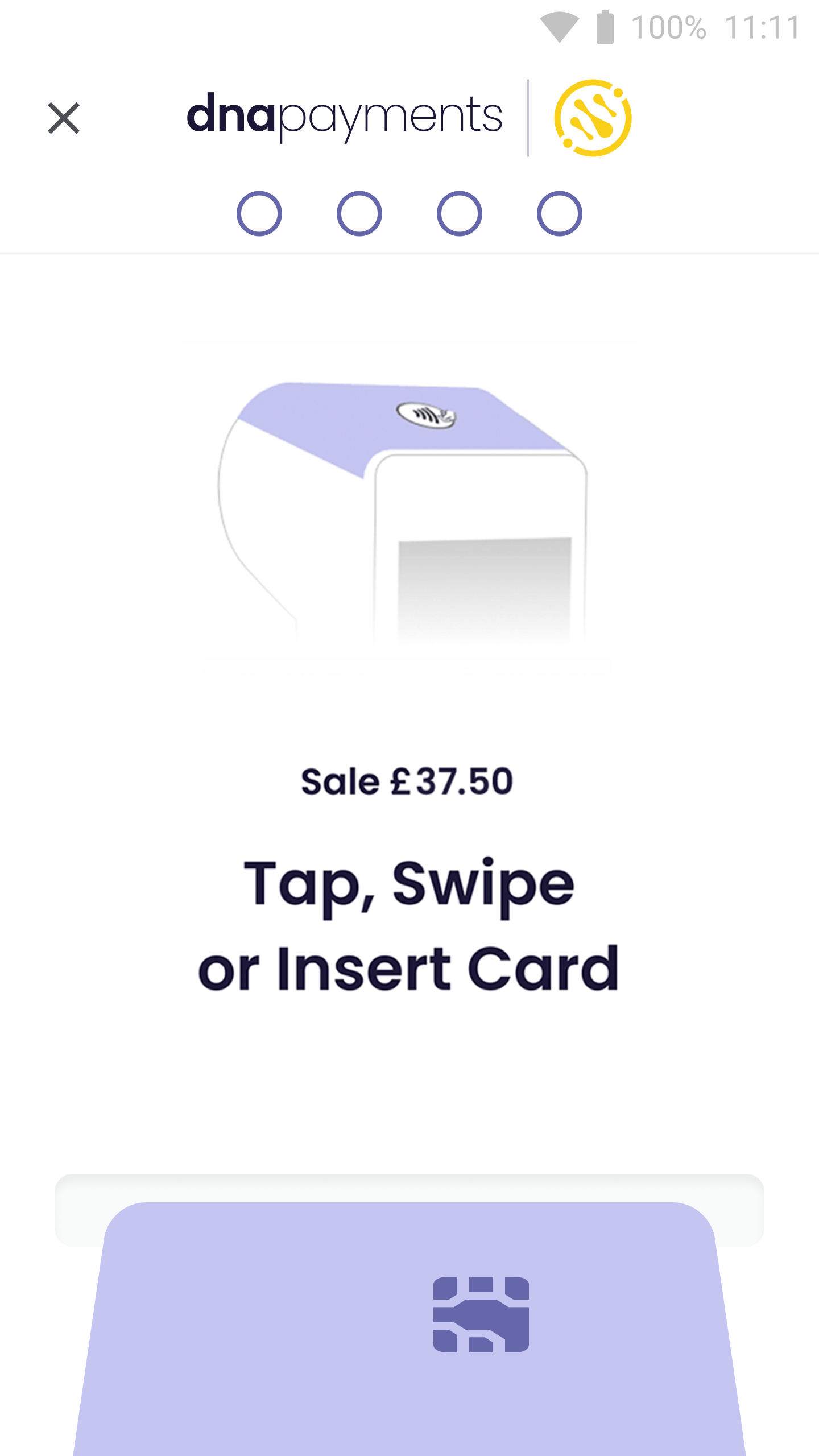

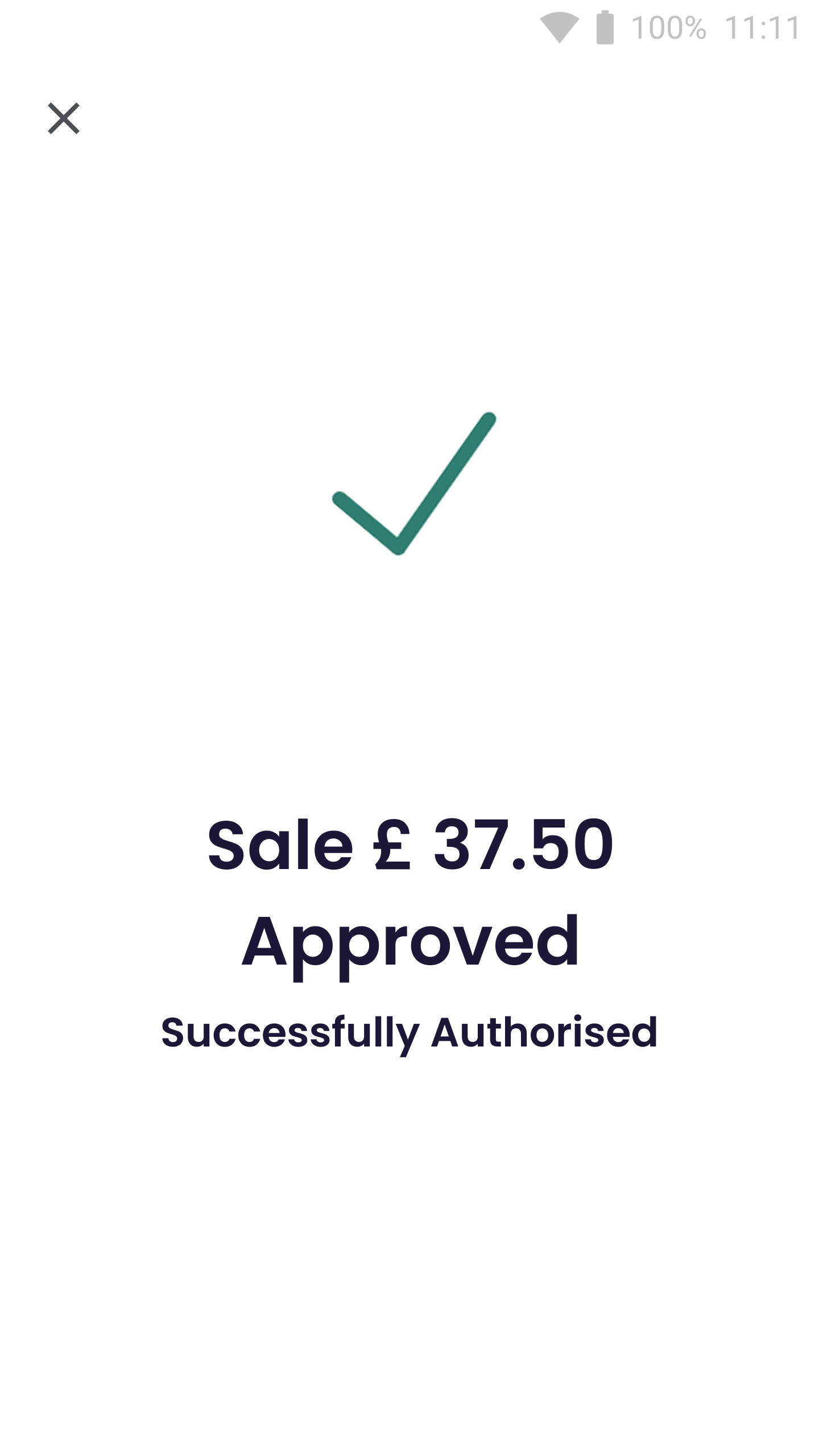

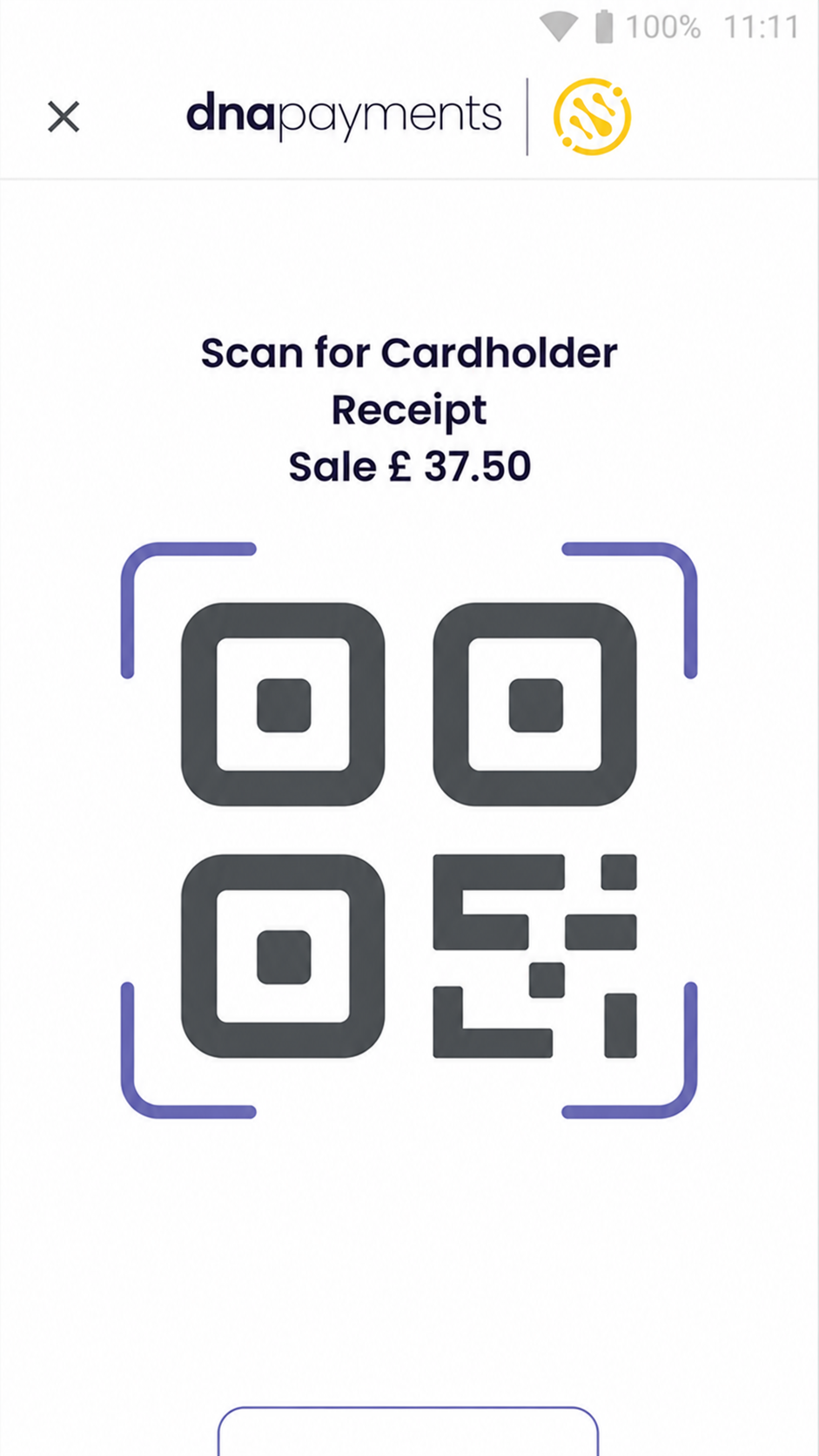

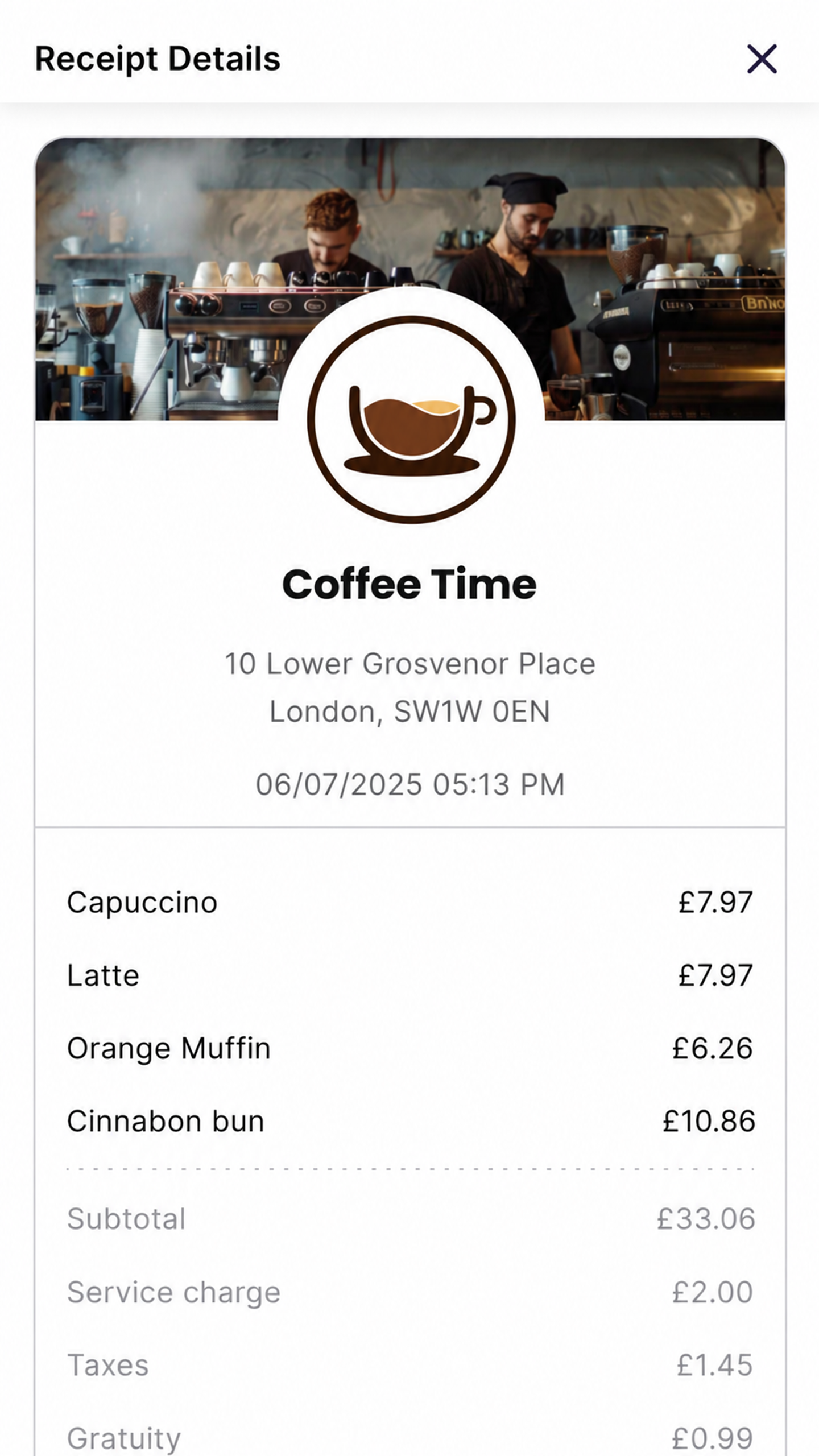






Collect feedback and ratings directly from every smart receipt and boost customer loyalty

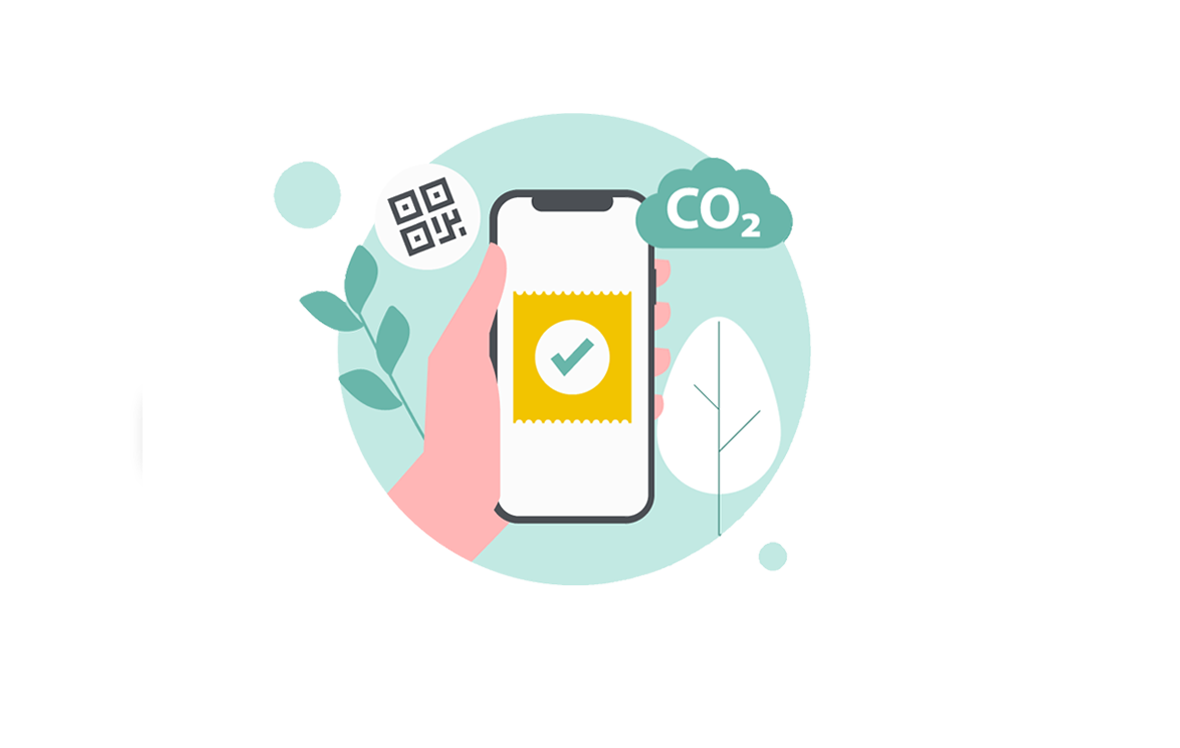
Boost your customer engagement by launching smart marketing campaigns

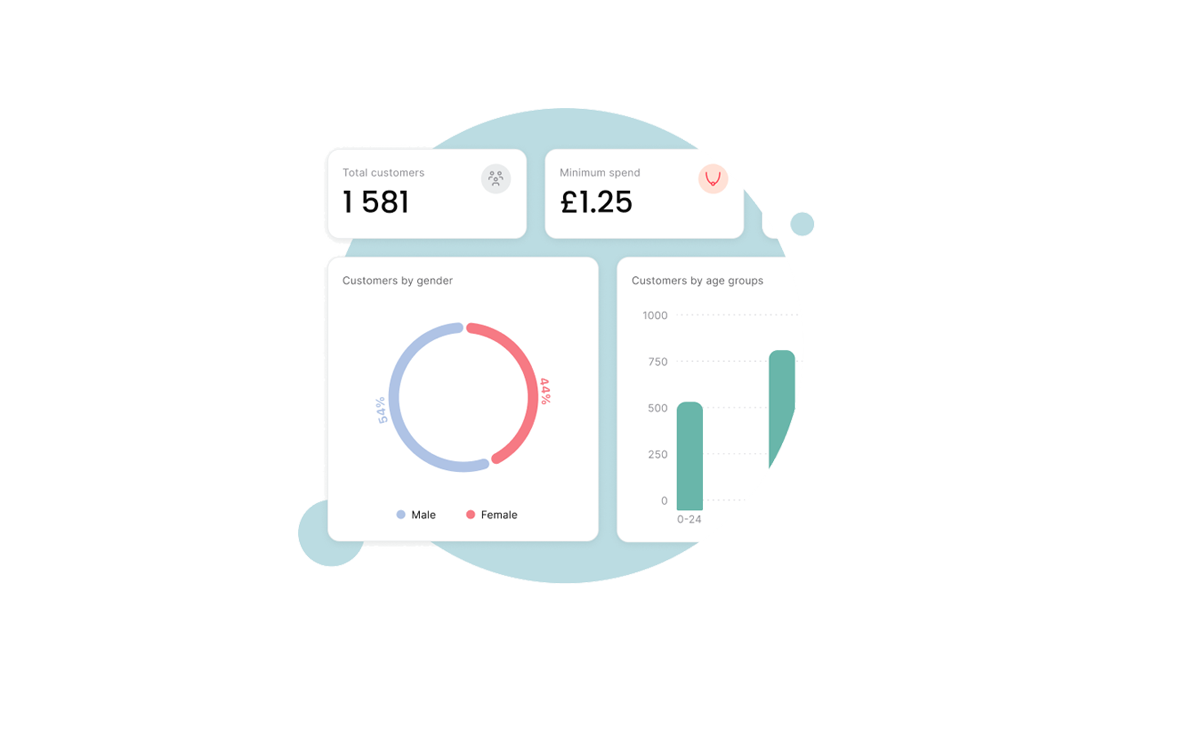
Get sales and time-based performance insights with transaction breakdowns and period-based reports


Perfect for gaining customer insights in the Food and Beverage sector, such as cafés, quick service restaurants and hotel restaurants

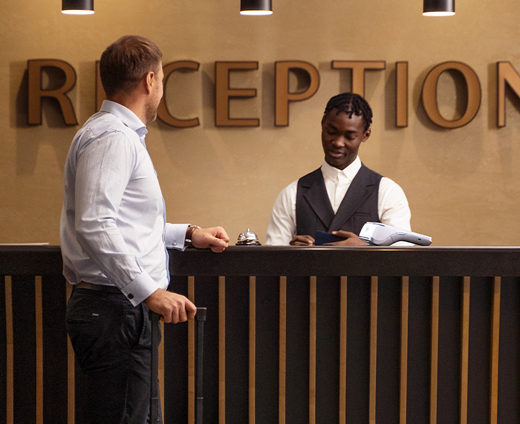
Gather feedback from your guests and diners at your hotel or lodging space


Grow your retail marketing and get sales insights via your smart receipts platform

A new value add from us enabling you to customise your digital receipts with marketing content, offering customer reviews, social media content integration and more. Paired with this there is an analytics and business intelligence real-time service built within it.
At the end of each payment transaction there'll be a QR code presented on your payment terminal display, the customer simply uses their Smartphone to scan this, they are then directed to the digital receipt content on their phone.
No. The customer doesn’t need to enter their telephone number or mobile phone number at the end of the transaction, they simply just scan the QR code presented on the terminal. That’s it.
Initially it's free for the pilot businesses using the service. There will be a wider commercial pilot after.
This is all taken care of by us, we simply remotely update your software to the latest version, enabling DNA Engage and away you go.
Yes. We'll grant you access to the DNA Engage portal once you're onboarded, from here you can start customising your receipt content.
Yes. Your operator is still able to print a receipt via the transaction menu.
Lots of options, from background images or videos, logo graphics, colour schemas, custom wording, consumer review content, social media details, advertisement, web address info and return policy information.
All they need to do is scan the QR code on the payment terminal and once they've got the receipt on their phone, they can then screenshot or select 'save receipt'. This will save it on their phone.
Yes. The printing options can be customised as needed within the axept PRO print options to seek the best user experience. Please contact our support.
No. The idea is to move away from printed receipts to save on receipt rolls and to make it environmentally friendly. They can be enabled if needed.
The payment terminal will retry, failing a successful request, your operator will be able to access the 'Transaction History' user interface within axept PRO to print a receipt.
You can access the DNA Engage portal to review analytics such as Transaction data, Average Transaction Values, Customer Insights, Customer Reviews and Advert Performance.
Yes. All data is securely processed and is fully compliant with data protection regulations, and full card details are not shared with the you.
Yes. We can remotely disable DNA Engage, so the payment terminal goes back to printing receipts by default as it did previously.
You can raise any issues with the our Customer Support Team as normal - no change here. This will be your first line of support.
Yes, there is - if we're unable to resolve any issues then we need to escalate to the partners second and third line support for investigation.
Yes, your Account Manager will be able to facilitate training so that you are comfortable using the DNA Engage service.
Of course, your Account Manager will pass the solution user guide to you as part of the initial setup to ensure you have what you need in place.
With our quick online application, we can get your DNA Engage service setup in no time at all